Art Blast
Original Wallpapers and Live Wallpapers for iPhone, plus an Editor to create your own.
Get Art Blast free on the App StoreGet it free on the App Store4.6 from over 5,500 ratings · Over 315,000 downloads
Wake your phone and the art wakes with it. A grey lion turns and roars. The sun blazes behind a quiet samurai. A bear bares its teeth. Every time you wake your phone, the art comes alive.
Swipe through collections made with care, and pick the one that feels like today.
We made it so picking up your phone feels a little better every time.
Finding a Lock Screen you love should be effortless and joyful.
So we built a gallery instead of a pile. Every piece is original and chosen by us, the collections belong together, and the screens step aside so the art can breathe.
Before you save a Wallpaper, you can see exactly how it will look on your Lock Screen, clock and all, and on your Home Screen.
Start from a blank canvas, add backdrops, stickers, lettering and your own photos, then save a matching Lock Screen and Home Screen pair.
Inside a collection, tap the Spatial icon to see the Wallpapers picked for the iPhone depth effect.
Art Blast Pro is one purchase, no subscription. It unlocks the gold Pro Live Wallpapers and includes everything we add in the future. Every preview plays in full, so you can see each one move before you decide.
SpatialProWe built Art Blast to feel playful in your hand, and smooth on older phones and slow connections as well as new ones.
Wallpapers, Live and the Editor sit side by side. Tap one to bring it forward, then tap again to go in.
Every launch opens on a short logo film with its own music, like a game's title screen.
The settings gear turns as you scroll, and icons change shape instead of swapping.
Original Wallpapers and Live Wallpapers for iPhone, plus an Editor to create your own.

★★★★★ 4.6 from over 5,500 ratings · Over 315,000 downloads
Wake your phone and the art wakes with it. A grey lion turns and roars. The sun blazes behind a quiet samurai. A bear bares its teeth. Every time you wake your phone, the art comes alive.
We made it so picking up your phone feels a little better every time.
Finding a Lock Screen you love should be effortless and joyful.
So we built a gallery instead of a pile. Every piece is original and chosen by us, the collections belong together, and the screens step aside so the art can breathe.

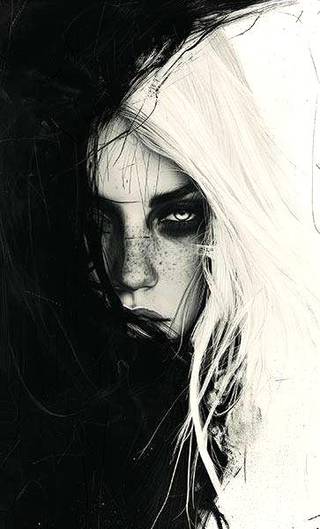
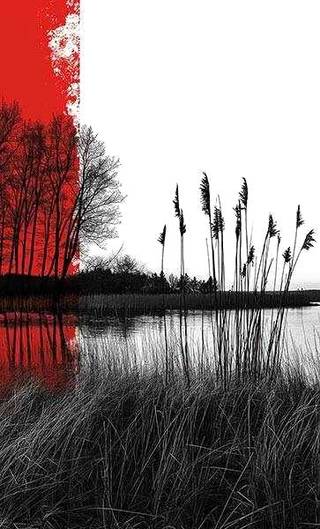


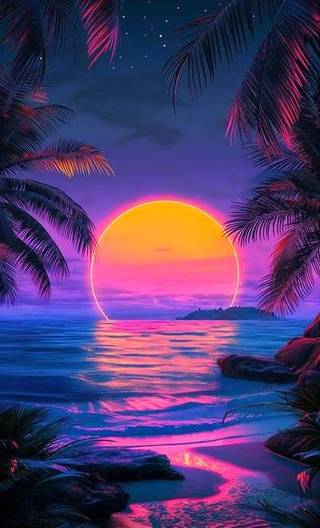
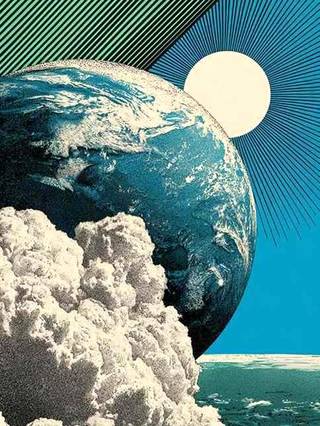
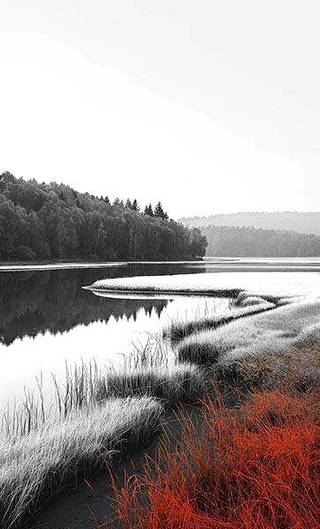




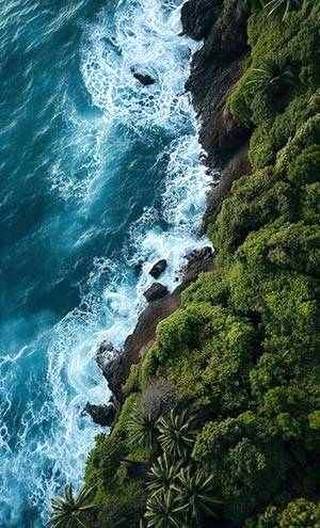
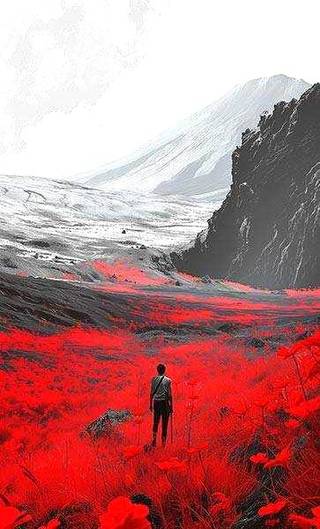
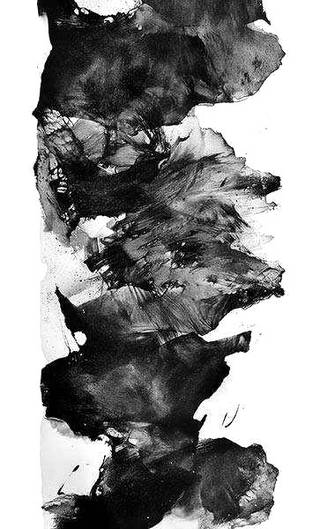
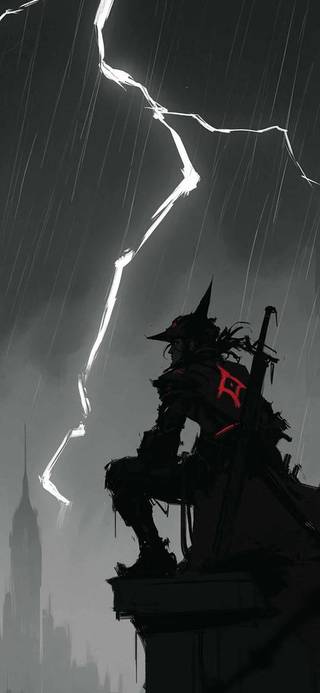


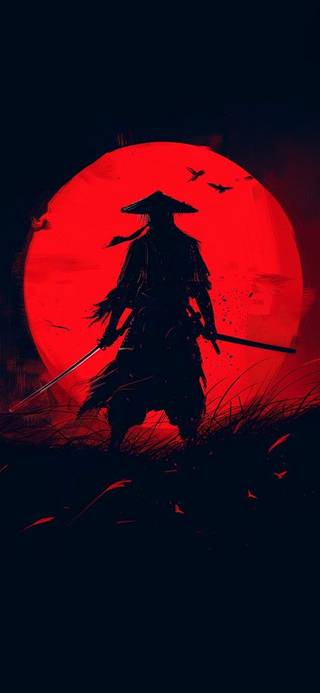
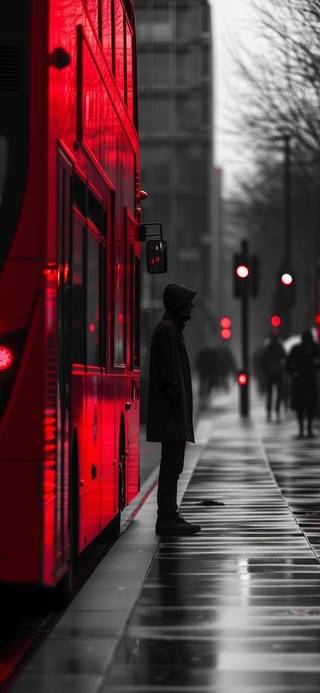
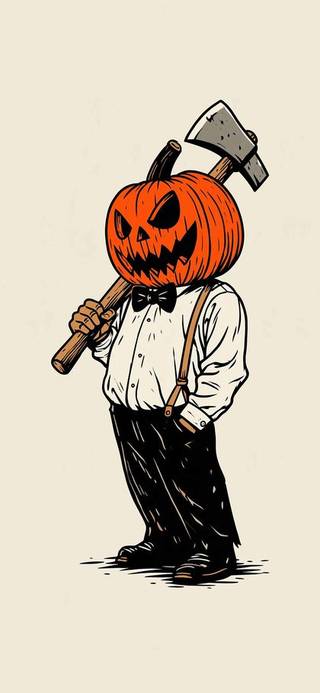

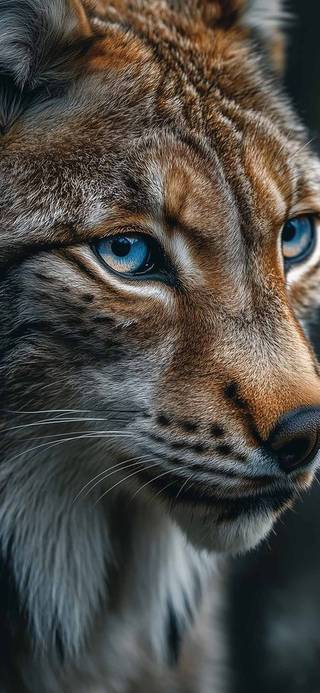


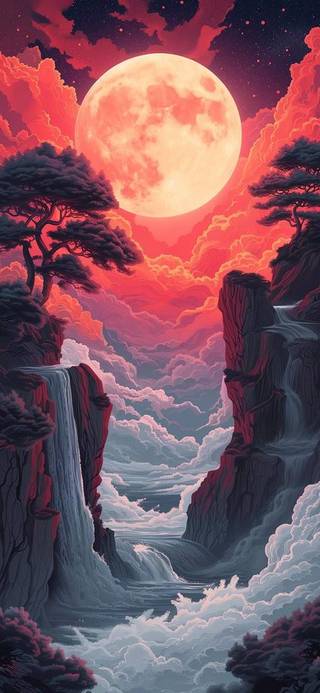
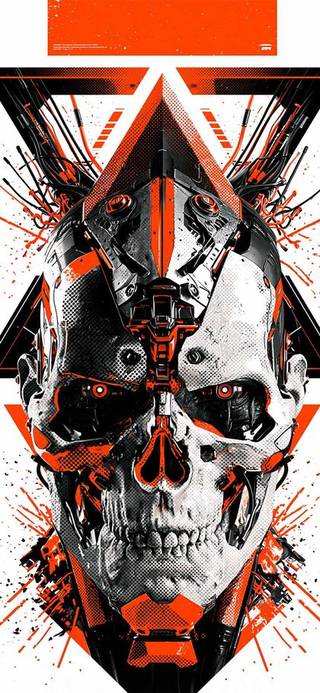
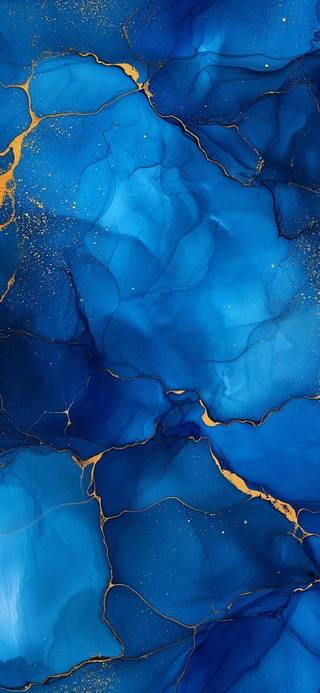
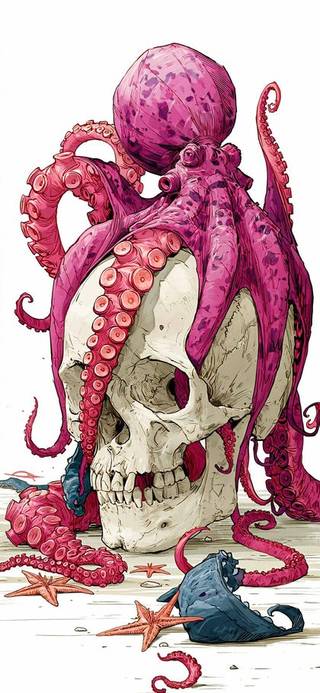


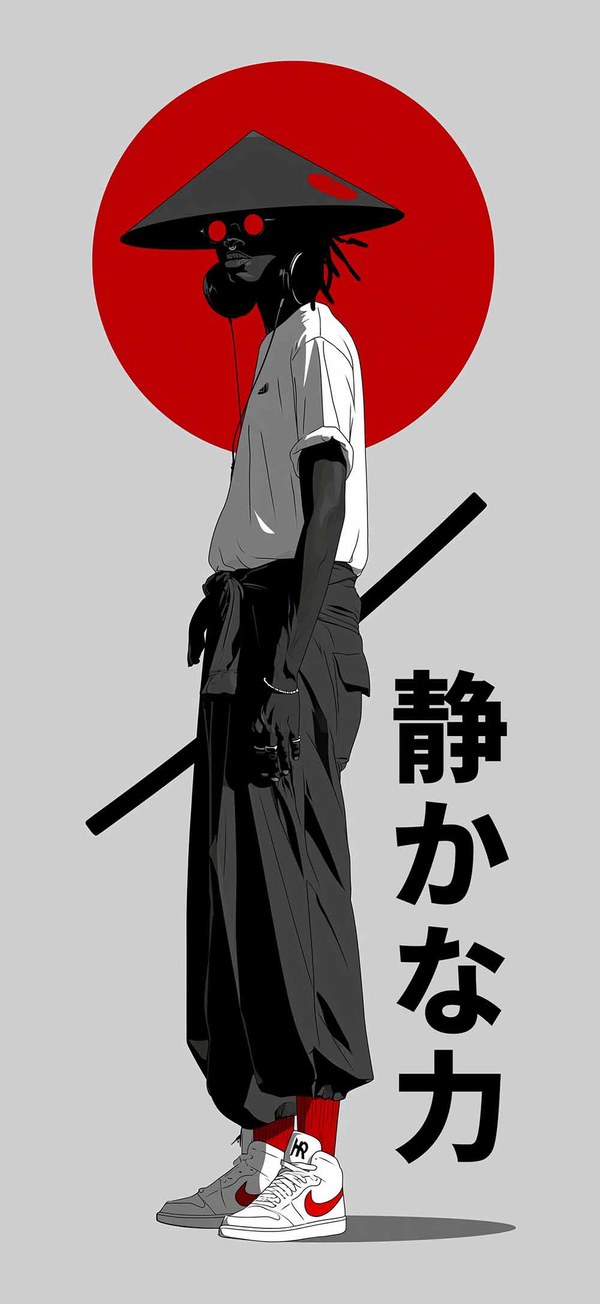
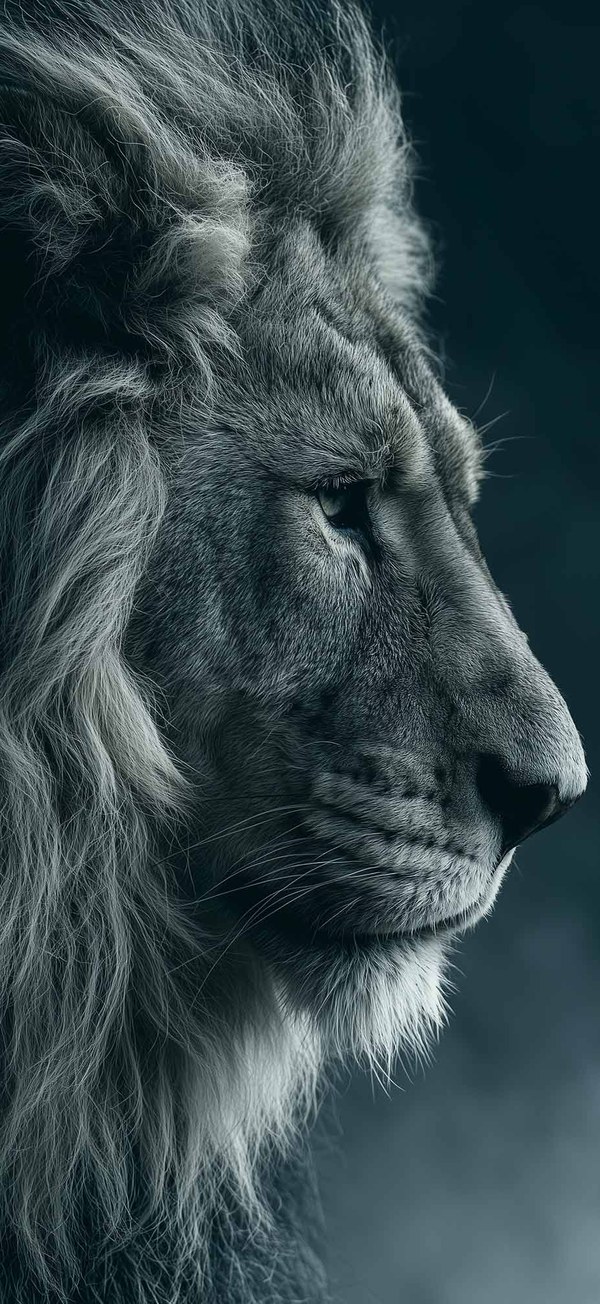
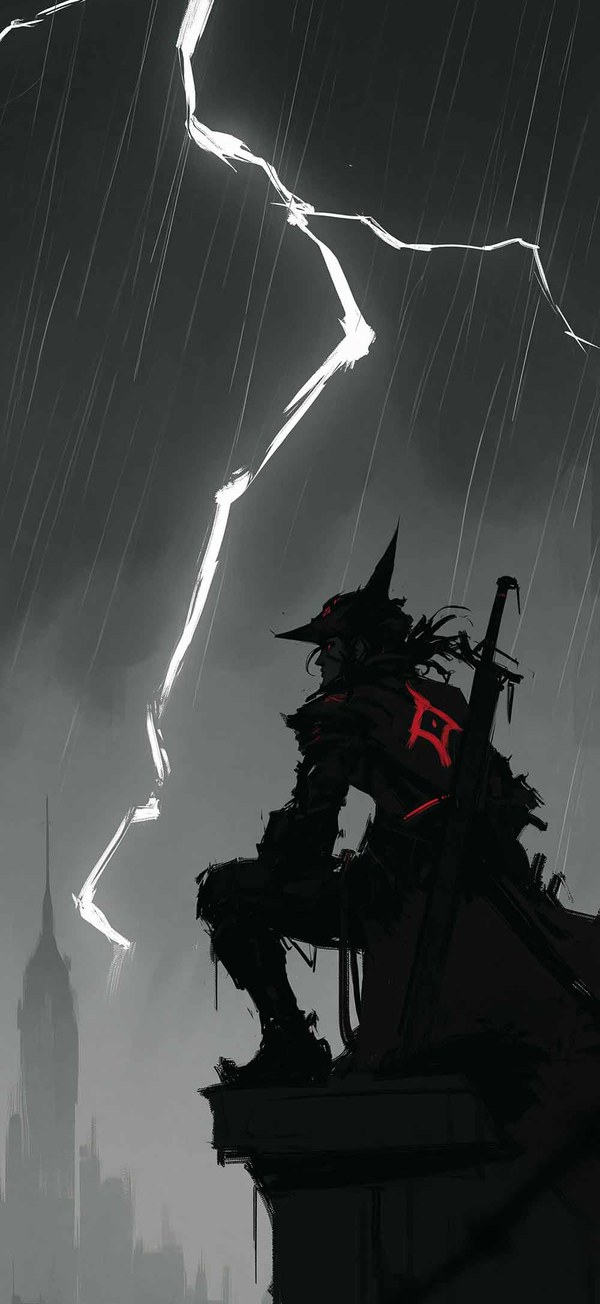

Before you save a Wallpaper, you can see exactly how it will look on your Lock Screen, clock and all, and on your Home Screen.
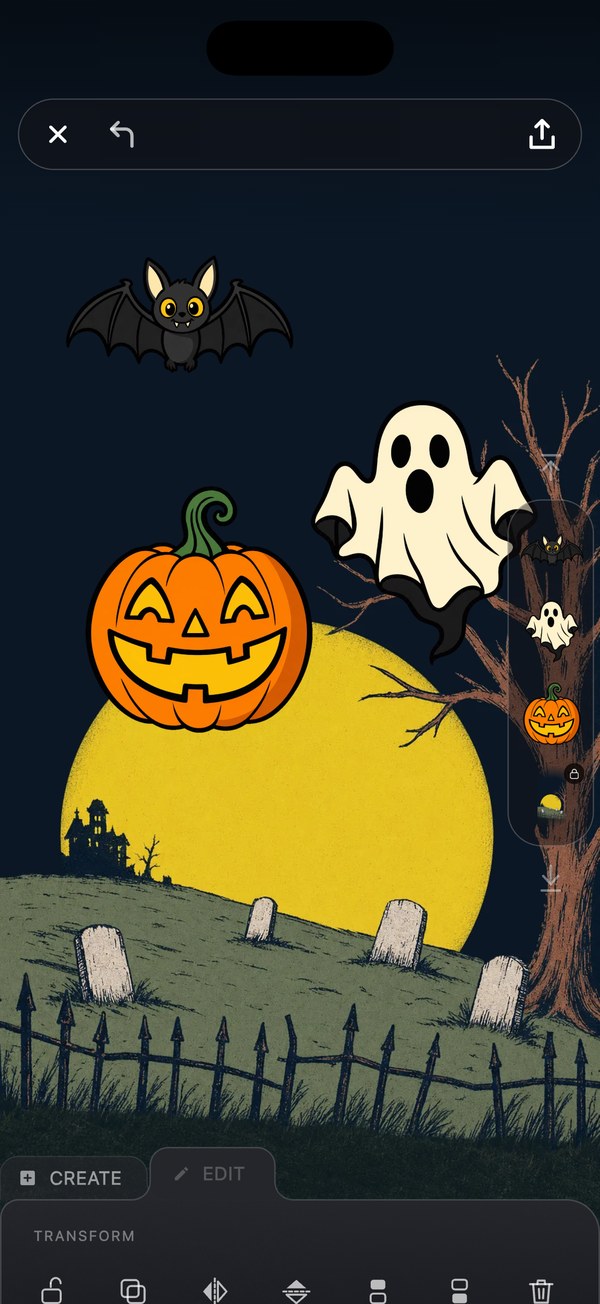
Start from a blank canvas, add backdrops, stickers, lettering and your own photos, then save a matching Lock Screen and Home Screen pair.
Inside a collection, tap the Spatial icon to see the Wallpapers picked for the iPhone depth effect.
Art Blast Pro is one purchase, no subscription. It unlocks the gold Pro Live Wallpapers and includes everything we add in the future. Every preview plays in full, so you can see each one move before you decide.
We built Art Blast to feel playful in your hand, and smooth on older phones and slow connections as well as new ones.
Wallpapers, Live and the Editor sit side by side. Tap one to bring it forward, then tap again to go in.
Every launch opens on a short logo film with its own music, like a game's title screen.
The settings gear turns as you scroll, and icons change shape instead of swapping.
Yes. Art Blast is free to download and use. Some Wallpapers unlock with a short ad, and you choose whether to watch it.
No. Art Blast Pro is one purchase, and it includes everything we add in the future.
Art Blast is made for iPhone. Live Wallpapers play on your Lock Screen when you wake your phone.
Not yet. Art Blast for Android is on its way.
More answers, and how to set a Live Wallpaper, in Help.
Thousands of Wallpapers and Live Wallpapers that move you are ready. Pick up your phone and find one you love.
Get Art Blast free on the App StoreGet it free on the App Store